
Reach a first option sooner
Automated plan measurement and room furnishing reduce the time between receiving the drawing and discussing a visible proposal.
Atreum for renovation teams
Start with the plan you inherited—even a scan or listing image. Let AI reconstruct the rooms, correct the layout against the drawing, test furniture and design directions, then show clients a finished view before work begins.
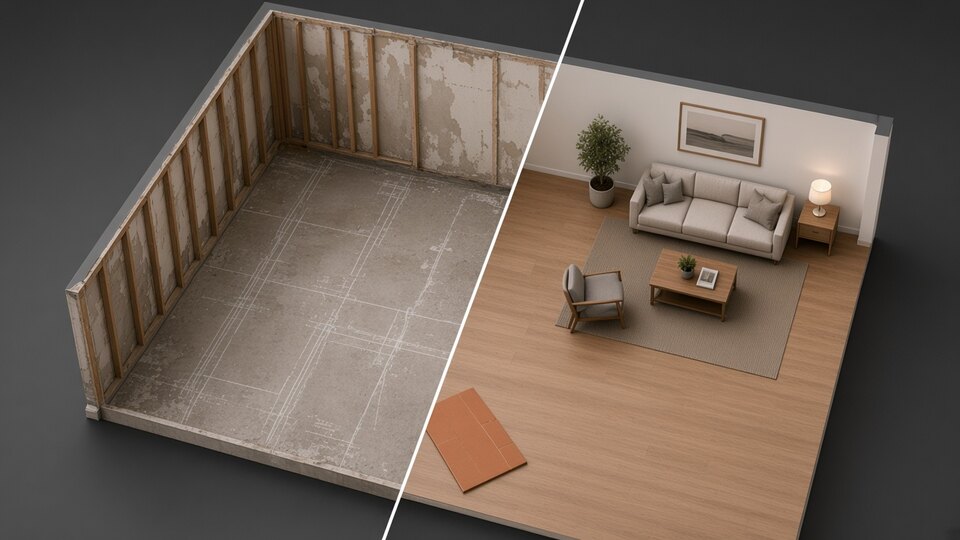
Make the existing condition usable
Renovation projects often begin with imperfect information: an old drawing, a sales plan, a scan or a plan that no longer reflects every wall and opening. Rebuilding it manually delays the decisions the team actually needs to make.
Atreum reconstructs the first editable version and keeps the original drawing visible underneath. Correct the geometry, organise rooms, compare furnishing and surface ideas, save versions and create realistic views for the client conversation.
One source, one connected workflow
Reconstruct, correct, furnish and visualize the space while keeping the measured layout and final imagery connected.
Use a clear PNG, JPG or WebP floor plan. Multiple sheets can enter the same project when the property has several levels.
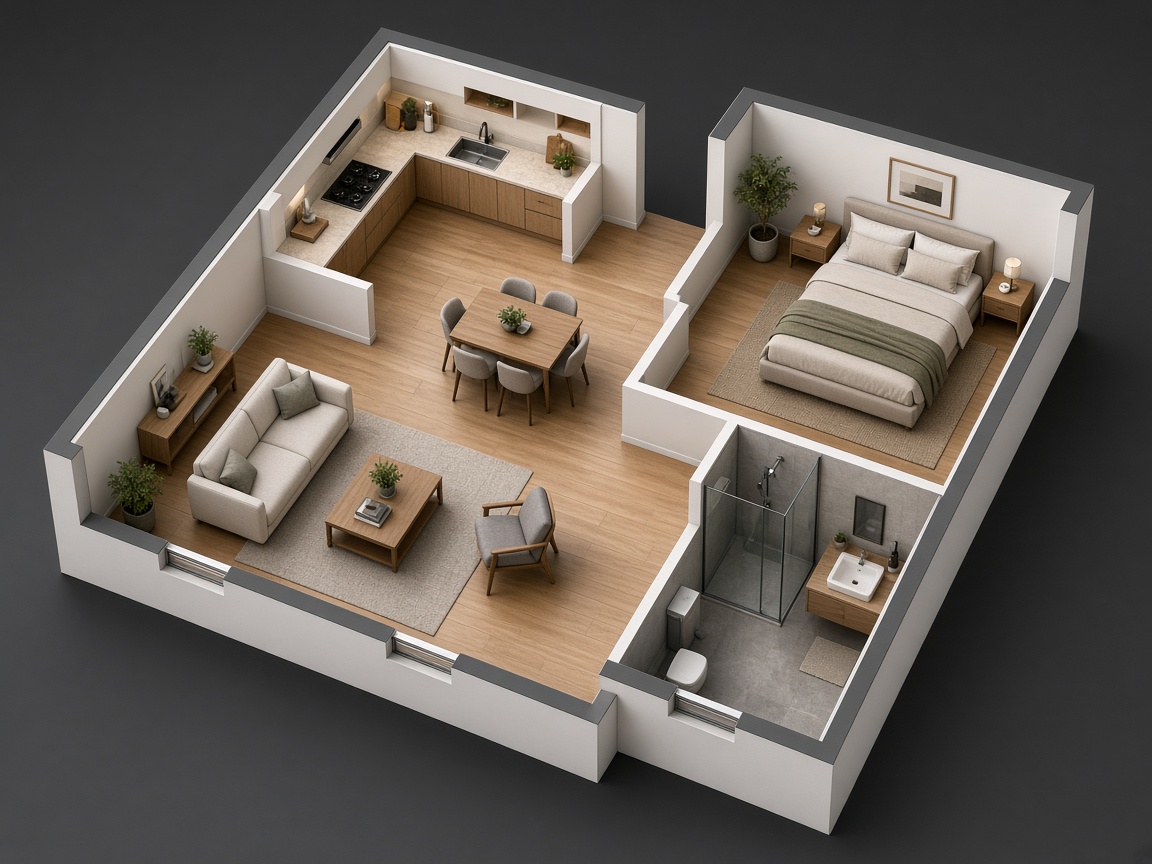
AI detects walls, doors, windows and rooms. Keep the source visible while adjusting scale, alignment and anything the drawing does not capture.
Name rooms, furnish empty spaces, drag individual pieces, edit openings and explore materials or a more complete design direction.
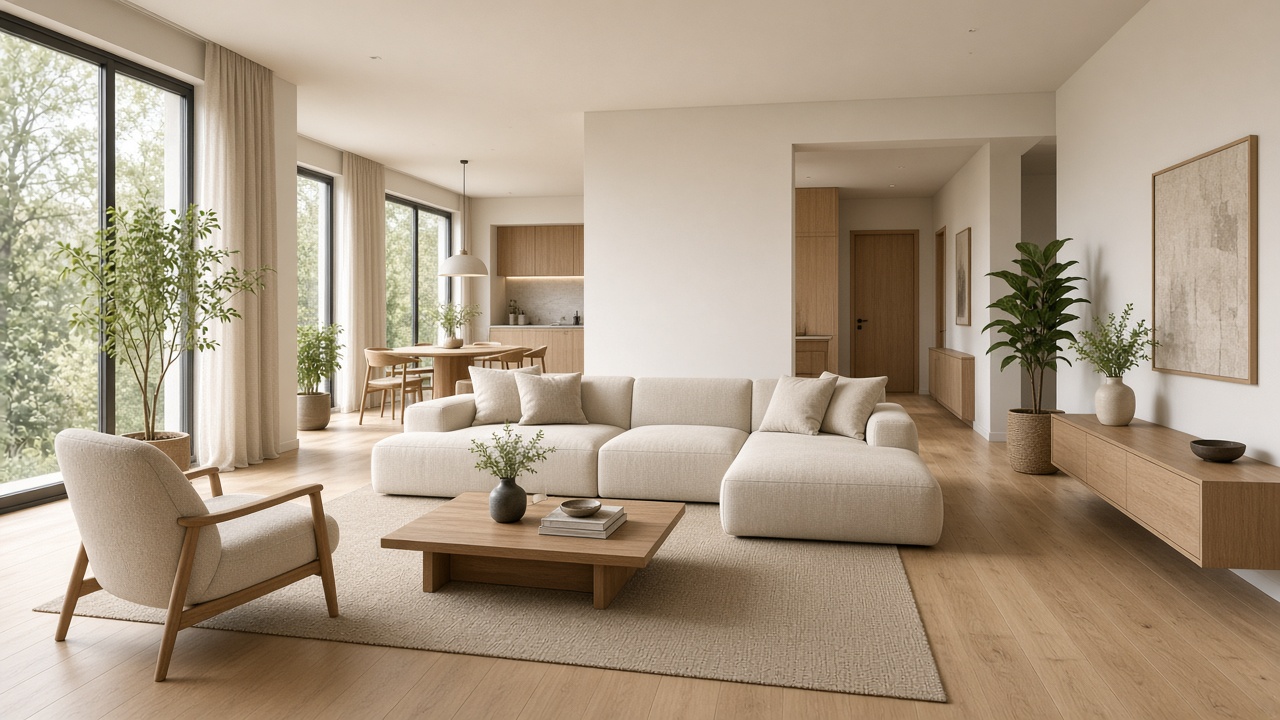
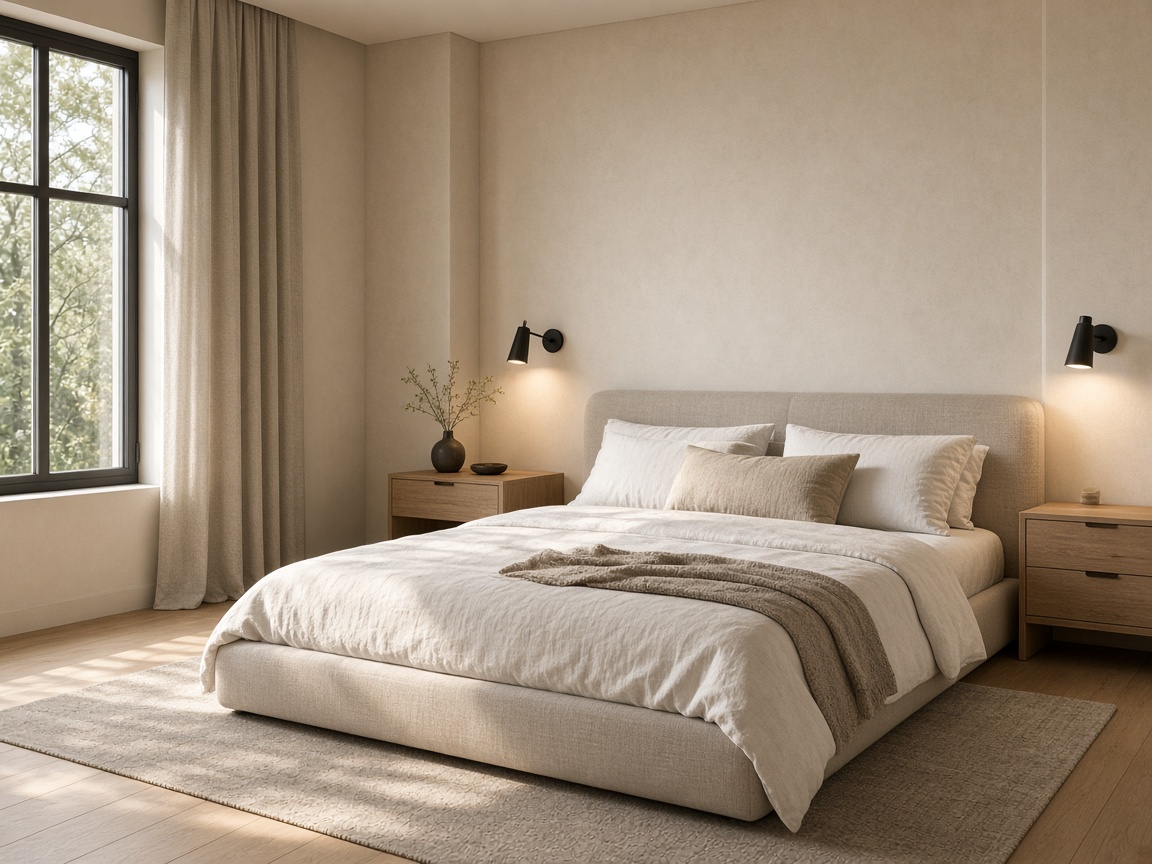
Set an eye-level camera, capture the approved composition and create a finished image that makes the renovation legible before construction.
Decide spatially, not abstractly
Give designers, contractors and clients a shared visual reference while the project is still inexpensive to change.
Automated plan measurement and room furnishing reduce the time between receiving the drawing and discussing a visible proposal.
Move, draw and split walls; replace or resize openings; reshape rooms; adjust furniture and save a new version after each decision.
Return to saved layouts and cameras, try another treatment and give the client a visual difference instead of another abstract explanation.
The model remains useful
A plan reconstruction gives the team direct control over walls, openings, rooms and furniture. When an IFC model exists, the same workspace can preserve its building structure and provide focused renovation views.
Navigate floors, units, rooms, elements, assemblies, phases and named materials without flattening the building.
Hide an element or a whole category, isolate a place and use a section box or cut height to reveal what matters.
Use realistic library surfaces or direct the interior and exterior finish with project-specific material notes.
Describe terraces, planting, furnishings or architectural objects and let the design assistant build them into the scene.
Place the building at its coordinates, align it to true north and switch surrounding terrain and buildings on when needed.
Save camera states and versions, capture views, create presentation images and download GLB or OBJ for the next tool.
Not a building on an empty plane
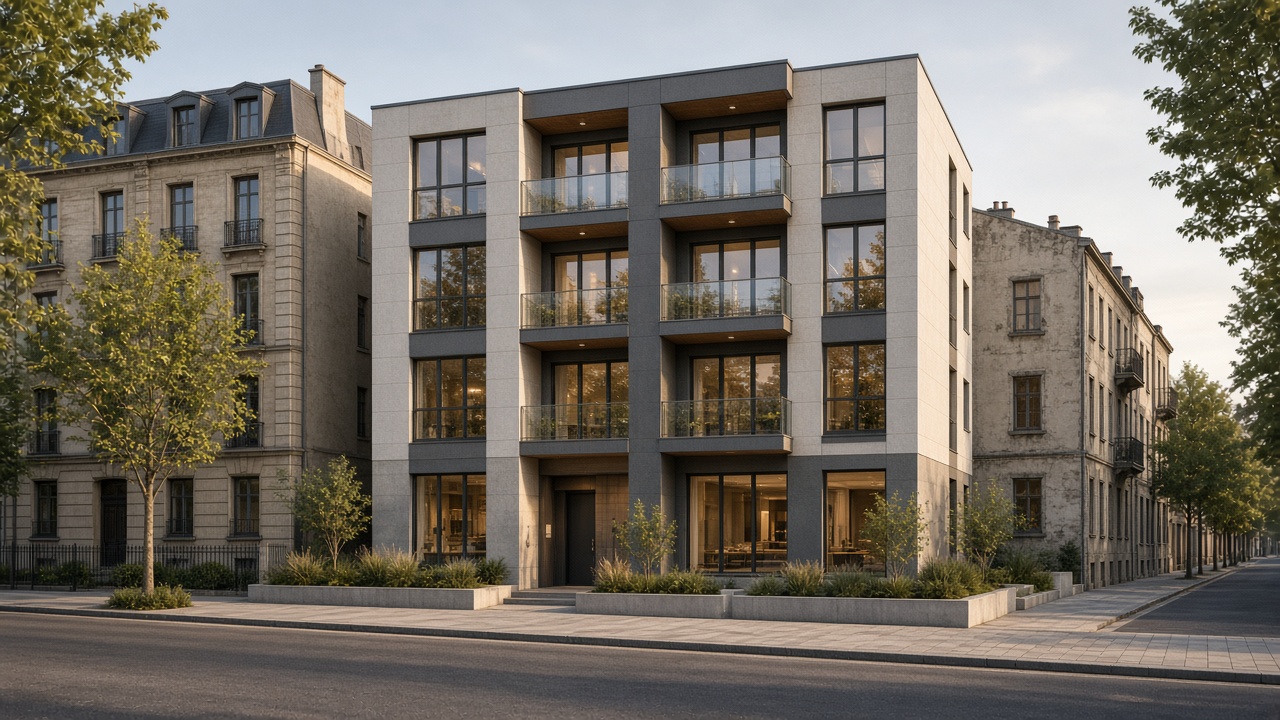
Interior decisions can be viewed at eye level, while larger refurbishments can place an IFC building in its real surroundings, check orientation and daylight, and prepare exterior renovation views from the same workspace.
Geometry becomes communication
Move from a measured shell to furnished atmosphere, alternate rooms and an editable cutaway that keeps every decision understandable.
Illustrative visualization examples. Results depend on the source file, selected camera and design direction.
A practical renovation record
The presentation image is one output of an editable, versioned spatial source the team can return to.
Bring the file you already have
Upload the drawing, review the first 3D reconstruction and turn the renovation direction into something the whole team can see.