
Open review without specialist setup
A browser workspace lets collaborators inspect prepared views without installing the authoring environment that produced the IFC.
Atreum for architects & BIM teams
Open IFC geometry directly in the browser, navigate its spatial structure, isolate what matters and prepare clear views for clients, consultants and approvals. Then carry the same model into site context, design studies and presentation imagery.
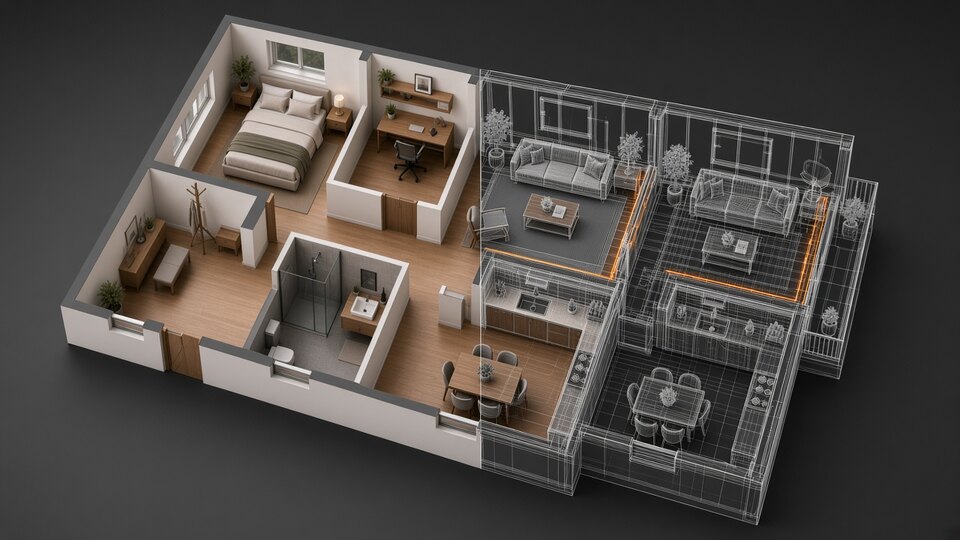
The model should travel further
The people making decisions rarely need another dense BIM interface. They need the correct floor, room, component, section or material shown from the right camera—with enough context to understand the consequence.
Atreum provides a focused browser layer over the model. Inspect and filter the IFC, save a review state, then use the same spatial source for daylight, site context, finishes and presentation without redrawing the project.
One source, one connected workflow
Preserve the building structure while reducing each conversation to the geometry and context it actually needs.
Bring in plain IFC2x3, IFC4 or supported IFC4.x and retain storeys, spaces, classifications, assemblies, phases, shapes and colours.
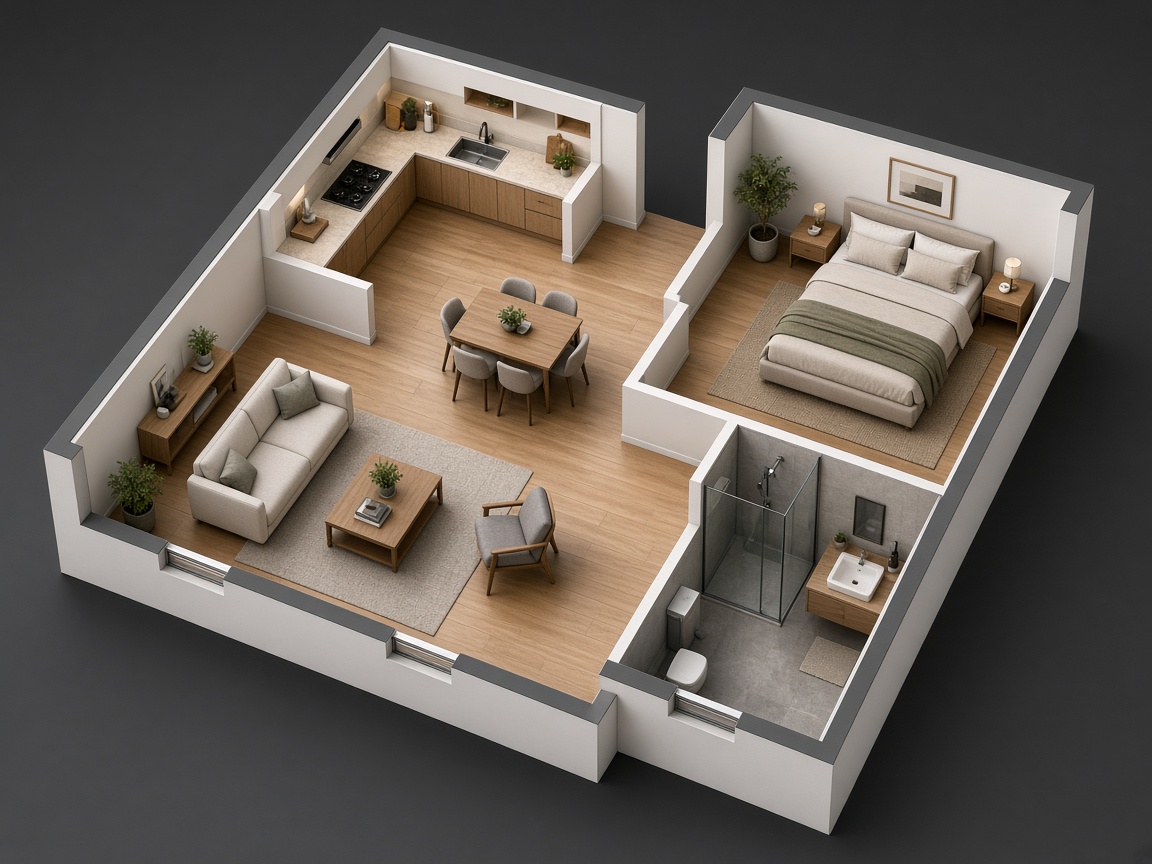
Navigate by place or element, hide individual parts or groups, set a cut height, isolate a storey and save a precise camera state.

Apply realistic finishes, set the sun, place the building and add conversationally designed objects without changing the IFC source.
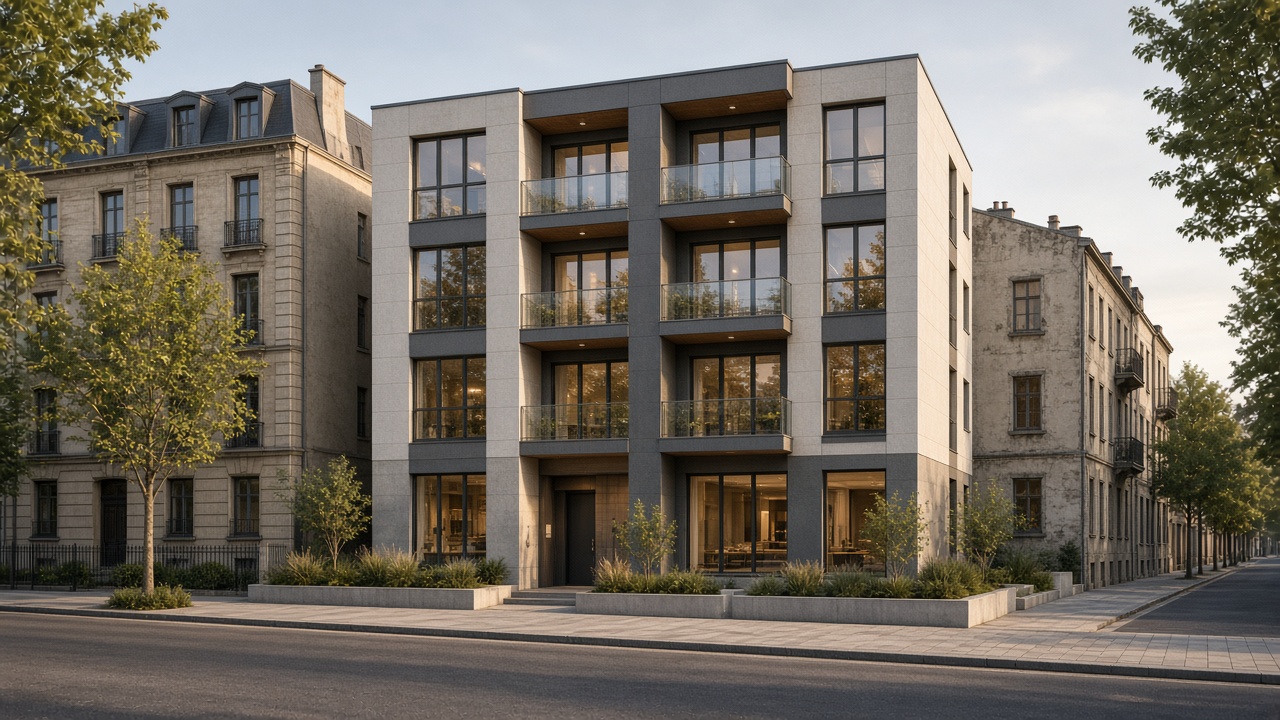
Capture review views, create client-facing imagery and export GLB or OBJ with intentionally hidden geometry omitted.
Review and communication together
Use technical geometry as the foundation for spatial explanation instead of rebuilding it for every audience.
A browser workspace lets collaborators inspect prepared views without installing the authoring environment that produced the IFC.
Filter a kind, assembly or single piece; move through floors and spaces; save sections and hidden-state decisions with the view.
Move from element-level review to a believable interior, facade or site image while keeping both anchored to the same geometry.
The model remains useful
Explore the imported structure by building, storey, unit, room, kind, assembly or individual part. Named materials remain available as reference, while display finishes and design additions stay separate from the original file.
Navigate floors, units, rooms, elements, assemblies, phases and named materials without flattening the building.
Hide an element or a whole category, isolate a place and use a section box or cut height to reveal what matters.
Use realistic library surfaces or direct the interior and exterior finish with project-specific material notes.
Describe terraces, planting, furnishings or architectural objects and let the design assistant build them into the scene.
Place the building at its coordinates, align it to true north and switch surrounding terrain and buildings on when needed.
Save camera states and versions, capture views, create presentation images and download GLB or OBJ for the next tool.
Not a building on an empty plane
Use model coordinates or place the building manually, align true north and inspect the design against its surrounding terrain and buildings. Set a real date and time before saving the view.
Geometry becomes communication
Move between model structure, finished architecture and interior atmosphere without separating review from presentation.
Illustrative visualization examples. Results depend on the source file, selected camera and design direction.
A clearer model conversation
Keep one spatial foundation while changing the level of detail, camera and visual finish for the conversation at hand.
Bring the file you already have
Bring a supported IFC file into a private browser workspace and turn technical building information into focused review and presentation material.